
Docker Engine on macOS
Run and manage containers with Docker Engine seamlessly on macOS.
A Docker Desktop alternative for macOS with container IP access, volume mounts, lightweight performance, and container debugging.
Install Licobox with Homebrew
$ brew install licobox/licobox-tap/licobox 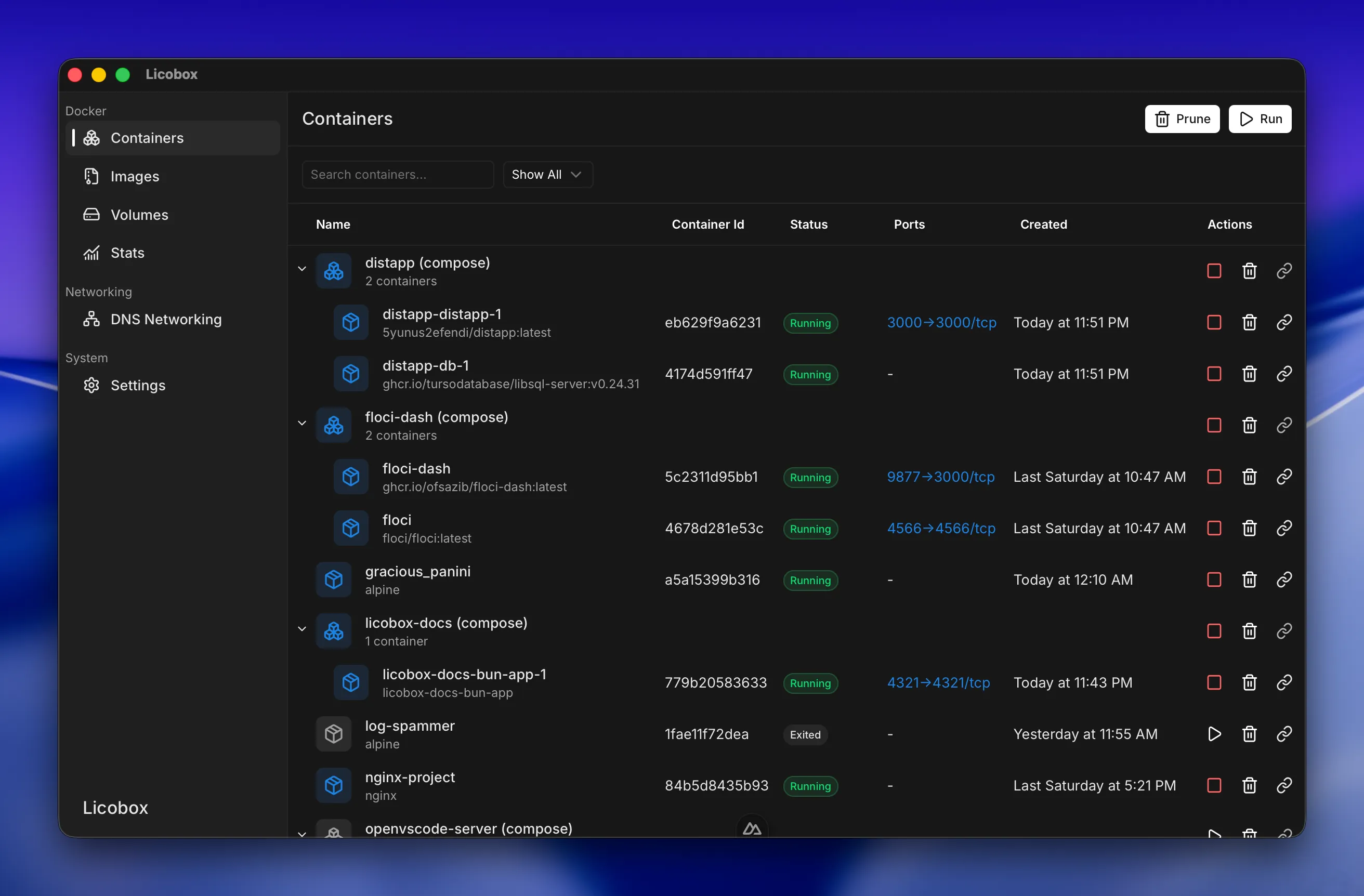
Run and manage containers with Docker Engine seamlessly on macOS.
Up and running Docker Engine in seconds.
Access containers directly through domain or IP and reduce host port mapping clutter. Learn More
Minimal idle CPU usage with dynamic memory and disk usage. Running around 0.2-0.5% on idle (on M3 Air).
Inspect and troubleshoot containers with built-in utilities for slim or distroless images.
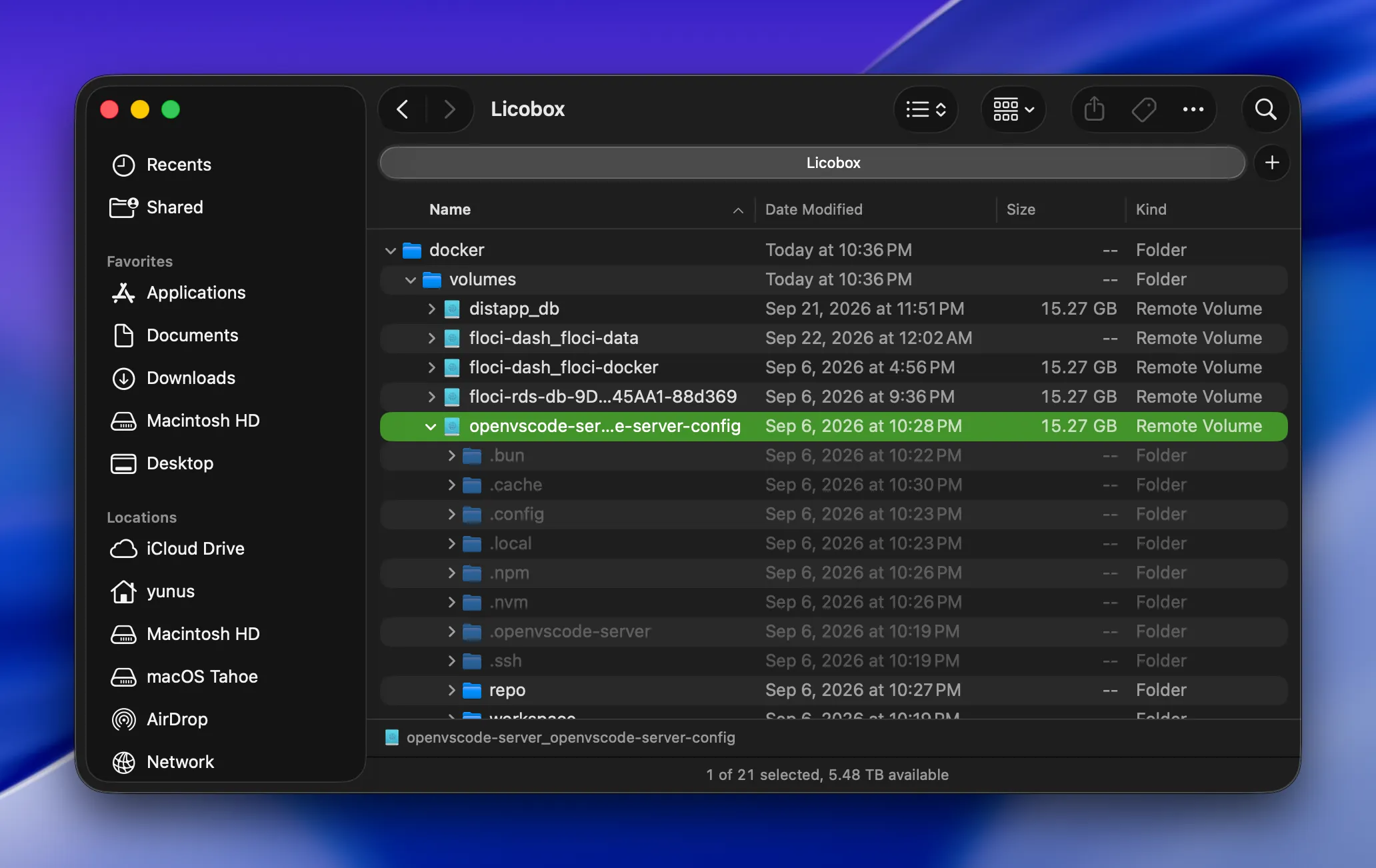
View and manage container volumes directly from macOS Finder without digging through container internals. Learn More
Run Docker Engine on macOS and get containers up and running in seconds, published ports forwarded automatically.
Every running container gets a local domain, so you can open services without tracking host ports.
Inspect running containers without adding tools to the image. Licobox Debug attaches a shell with coreutils, htop, curl, and more — even for slim or distroless containers.
Mount Docker volumes directly into macOS and browse them from Finder.
FAQ
Licobox is a Linux container runtime with Docker Engine for macOS, designed to run and manage containers locally.
Install it with Homebrew using: brew install licobox/licobox-tap/licobox.
Yes. Licobox is free to download and use for Docker container usage and local development. Advanced workflows such as container access via IP, container debugging, and volume mounts to macOS are available in the Pro plan.
Licobox is an alternative to Docker Desktop for running Docker Engine and Linux containers on macOS, with features like automatic port forwarding, direct container access, dynamic resource, container debugging, and easy access to Docker volumes from Finder.