
Local Network Issue
macOS 15 Sequoia introduced a new security feature called Local Network Privacy, which blocks apps from accessing the local network by default until you manually grant them permission.
If Licobox doesn’t have local network permission, it will fall back to using a proxy to establish the connection, but performance may decrease. We recommend allowing local network access to improve performance.
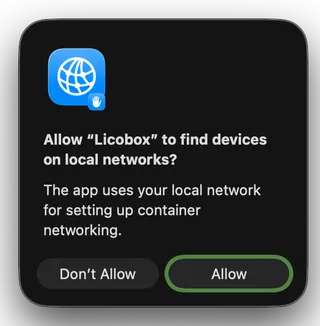
Option 1: Allow local network access in System Settings
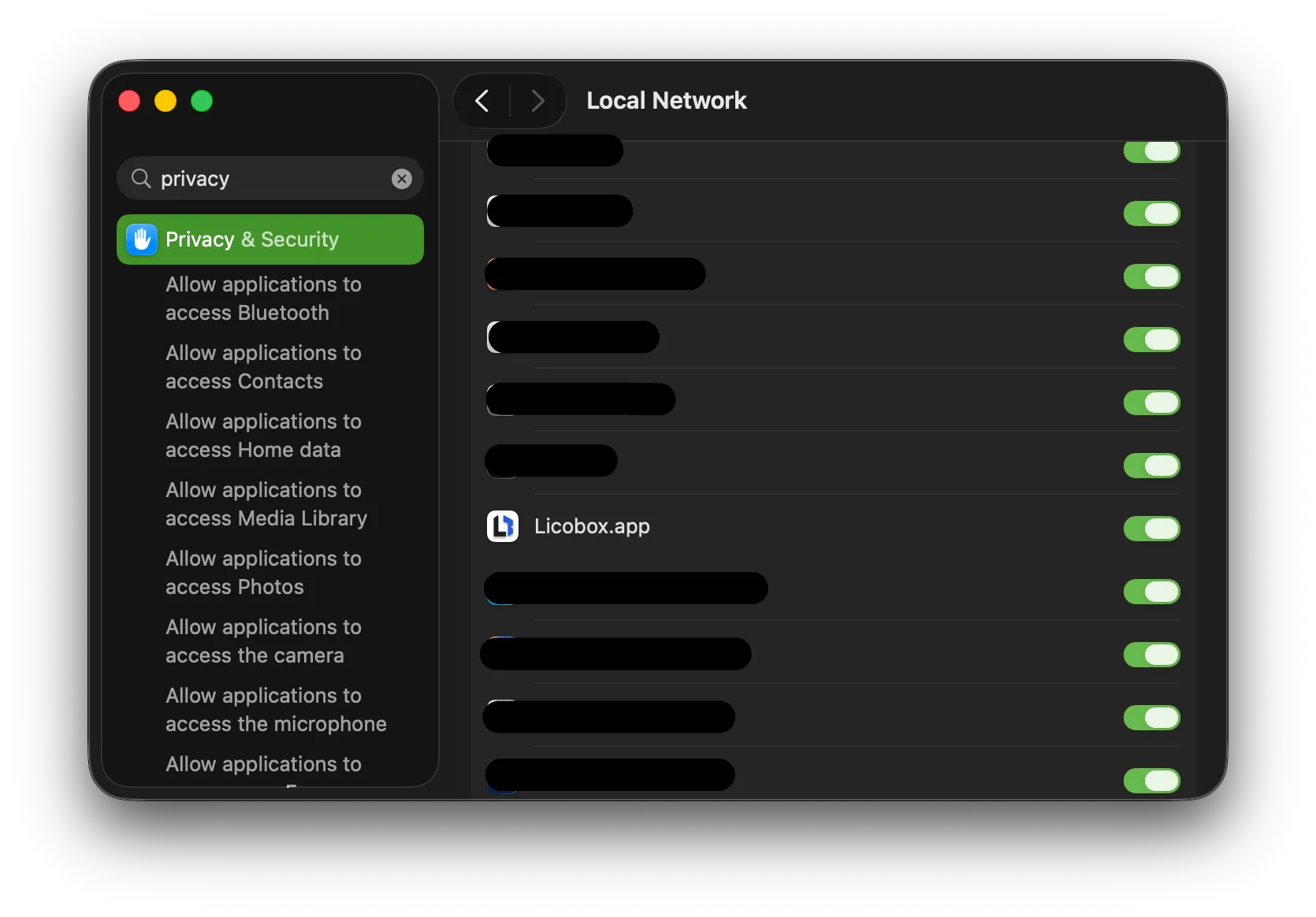
Section titled “Option 1: Allow local network access in System Settings”- Open System Settings > Privacy & Security > Local Network.
- Make sure Licobox is enabled.
Option 2: Start Licobox from a terminal
Section titled “Option 2: Start Licobox from a terminal”If the container port is still unreachable, manually start Licobox using a terminal app, and keep the terminal open
- Open the Terminal app.
- Run:
licobox start- Try accessing your container’s port again.